If you have ever built an app, a website backend, or even a small automation script, chances are you have dealt with APIs. I remember that I was working on a small automation script that pulled weather data for a dashboard. Everything looked perfect… until the data suddenly stopped updating. Turns out a tiny change in the API response structure broke half the application. That day taught me something every developer eventually learns, that is, APIs need proper testing. And that’s exactly where the best API testing tools for Developers become lifesavers.
In today’s post, we are going to check out API Testing, but why?, 10 Best API Testing Tools for Developers, What are the 4 types of API, and which type of API is best?. Without further ado, let’s get started!
API Testing, but why?
Before we talk tools, let’s address the obvious question. Why spend time testing APIs when the frontend seems to work fine? Think about how many apps you use daily. When you log into an app, check a payment, book a ride, or track an order, there’s an API behind the scenes connecting different systems.
For examples:
- A food delivery app connects to payment gateways.
- A weather app pulls data from the Weather API.
- A banking app communicates with secure backend systems.
Imagine if one API suddenly returns the wrong response or stops working. The entire application can break. You won’t get the right details, systems will conflict, you can’t book your metro tickets, and whatnot.
That’s why developers test APIs to make sure they return the correct data, handle errors properly, authenticate users securely, and perform well under load. API testing tools make this process easier by letting developers send requests, inspect responses, and automate checks. API testing is often faster and more reliable than UI testing. Because APIs don’t depend on visual elements or browsers. You are testing the core logic directly. And once you start doing it regularly, you will wonder how one ever builds an app without it.
10 Best API Testing Tools for Developers
1. Postman

Let’s start with the most popular one. If you’ve spent even a little time around backend development, you’ve probably seen Postman. Many developers begin their API testing journey here. What makes Postman great is how approachable it feels. You open the tool, paste an API URL, choose the request type (GET, POST, etc.), hit send, and instantly see the response. Over time, it becomes more powerful as you start using features like environment variables, automated tests, API collections, and team collaboration. It’s especially useful when you’re testing APIs across multiple environments like development, staging, and production.
Link: Postman
2. Insomnia

Now here’s a tool that many developers quietly love. Insomnia has a cleaner interface and feels less cluttered compared to some other tools. I’ve noticed developers who prefer minimal interfaces often lean toward Insomnia. It supports REST APIs, GraphQL, environment variables and Plugin integrations. If you like tools that feel lightweight but still powerful, Insomnia is worth trying.
Link: Insomnia
3. Hoppscotch

Hoppscotch is one of those tools that surprises people. At first glance it looks simple, but it’s incredibly fast. The best part is you can use it directly in your browser, which makes quick testing incredibly convenient. Some developers even keep Hoppscotch open in a browser tab while building APIs locally. No heavy installation required.
Link: Hoppscotch
4. SoapUI
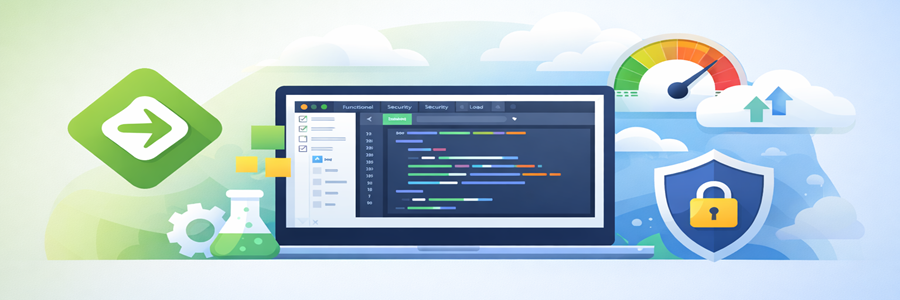
If you work in enterprise environments, you’ve probably heard of SoapUI. This tool has been around for years and is widely used in organizations that rely on SOAP based services. It supports functional testing, security testing, load testing, and complex API workflows. It might feel a bit heavy compared to newer tools, but for enterprise testing scenarios, it still holds strong.
Link: SoapUI
5. Apidog
Apidog is a relatively newer platform that combines multiple API development activities in one place. Instead of using separate tools for design, testing, and documentation, Apidog tries to bring everything together. It allows teams to design APIs, test endpoints, share documentation, and collaborate with teammates. For teams building APIs from scratch, this unified approach can save time.
Link: Apidog
6. HTTPie

Not everyone likes graphical tools. Some developers prefer working directly from the terminal. That’s where HTTPie shines. HTTPie allows you to test APIs from the command line with clean, readable syntax. For example, instead of writing complicated curl commands, HTTPie makes requests feel simpler and easier to read. Many backend engineers and DevOps professionals prefer this style.
Link: HTTPie
7. Bruno

Bruno has gained attention recently, especially among developers who prefer offline tools. What makes Bruno interesting is that it stores API collections directly in your filesystem. That means you can version control them using Git. If your team already relies heavily on Git workflows, this approach fits naturally.
Link: Bruno
8. Katalon Studio
Katalon Studio is slightly different from other tools on this list. It focuses more on test automation. That means teams can create automated tests that run regularly in CI/CD pipelines. For example, every time a developer pushes new code, automated API tests can run to ensure nothing breaks. This is extremely useful in large projects where manual testing isn’t practical.
Link: Katalon Studio
9. Mockoon
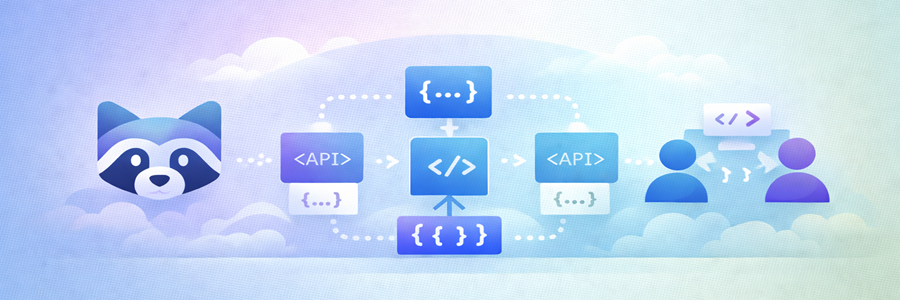
Sometimes the backend API doesn’t exist yet. But the frontend team still needs something to work with. That’s where mock APIs help. Mockoon allows developers to create fake APIs that return simulated responses. This lets teams continue building apps even before the real backend is ready. It’s surprisingly helpful during early development stages.
Link: Mockoon
10. HTTP Toolkit
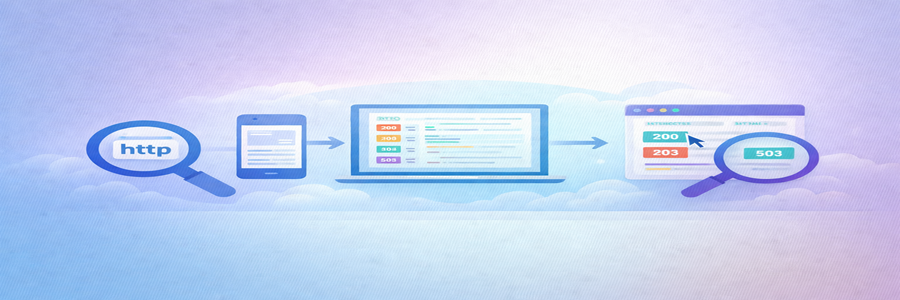
HTTP Toolkit focuses on something slightly different, that is, debugging HTTP traffic. Imagine trying to understand why an API request behaves differently on your phone compared to your laptop. HTTP Toolkit lets you inspect and analyze those requests. You can see exactly what’s happening behind the scenes. For troubleshooting complex issues, tools like this can be incredibly valuable.
Link: HTTP Toolkit
What are the types of API?
When working with APIs, you’ll come across different types based on how they communicate and exchange data. Here are the most commonly used ones.
REST API
This is the most widely used API type, it uses standard HTTP methods (GET, POST, PUT, DELETE). It also makes use of JSON format, which is lightweight and easy to understand.
Example use case: Fetching user data from a backend server. If you’re a beginner, start with REST APIs. They’re straightforward and don’t overwhelm you.
SOAP API
SOAP API is very rule based and sometimes a bit heavy. You probably won’t use SOAP much in modern startups. But in enterprise environments, it’s still very relevant.
Example use case: More secure and strict compared to REST, and is more Common in banking and enterprise systems. Many banking systems in India still rely on SOAP APIs for secure transactions.
GraphQL API
In GraphQL, instead of getting fixed responses, you can ask for exactly what you need. It fetches only the required data that reduces over fetching and underfetching, and probably that’s why developers love it. It has a single endpoint for multiple queries.
Example use case: Instead of calling 3 APIs for user data, posts, and comments, GraphQL lets you fetch everything in one request. Once you get used to GraphQL, it’s hard to go back. Especially for frontend heavy applications.
gRPC API
gRPC is all about speed. It’s built by Google and designed for high performance communication between services.
Example use case: Not beginner friendly, but incredibly powerful in large systems. High performance API using Protocol Buffers instead of JSON. Used in microservices and real time systems
WebSocket API
WebSockets are completely different from traditional APIs. Instead of request and response, they create a continuous connection.
Example use case: If your app needs real time features, WebSockets are a must. Provides real time, and it keeps the connection open instead of repeated requests. Apps like Chat apps, live notifications, and stock market updates use it.
http API
This is the simplest form. HTTP APIs are just basic APIs using HTTP protocols, often simpler than full REST implementations. These are very lightweight and easy to build.
Example use case: Good for simple use cases, but not ideal for complex applications.
Which type of API is best?
There is no single best API. It totally depends on your use case. For example, a Banking system app would prefer SOAP API than HTTPS API, you got it right? If you are starting out or building general applications, REST API is the best choice because it’s simple, widely supported, and easy to implement.
Conclusion
APIs power nearly everything we use today. From mobile apps to enterprise platforms, APIs handle communication between systems that users depend on every day. That’s why learning about the Best API testing tools for Developers isn’t just useful, it’s essential. If you’re new to API testing, tools like Postman or Insomnia are great starting points. As your projects grow, exploring tools like SoapUI, HTTPie, or Mockoon can expand your workflow. This concludes best API testing tools for Developers. Which API testing tool do you currently use the most? Or are you just getting started with API testing? Do let us know in the comments section below. Right after reading this blog, do you feel like trying out testing an API yourself? You can absolutely do that by following my Test API article! Check out here for more. We have a collection of top class web tools baked right into Techdecipher.com. To go to the tools page, click here. If you need any help or have any suggestions to make, then do reach out via the contact page here. I also provide services to help you with your issues, which you can find here. Happy Afghanistan Day!